|
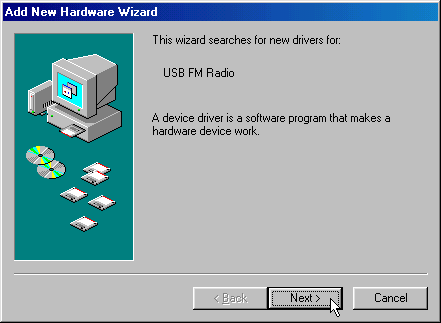
The Add New Hardware Wizard window appears when you first plug
the DSB-R100 into the computer’s USB port. Click on Next.
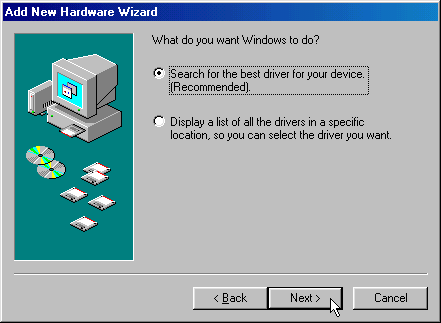
Click on Next.
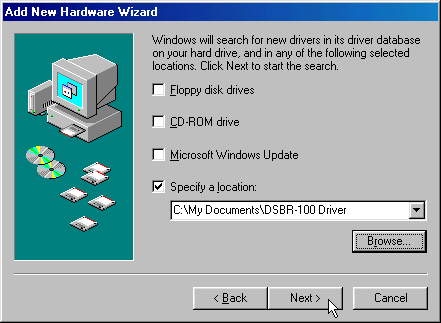
Check Specify a location and click on Browse to direct the Wizard
to the location of the driver files. Browse to the location of the
driver file and then click Next to continue.
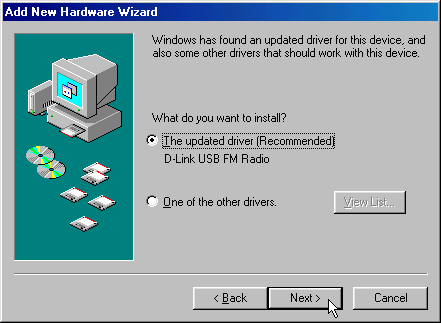
Select "The updated driver (Recommended)" and click Next to
continue.
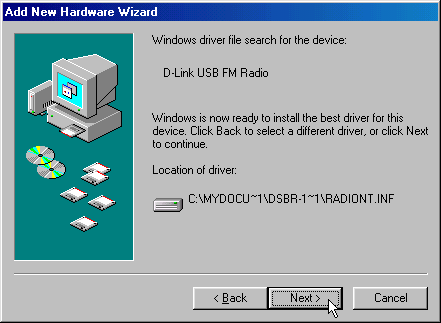
Click on Next.
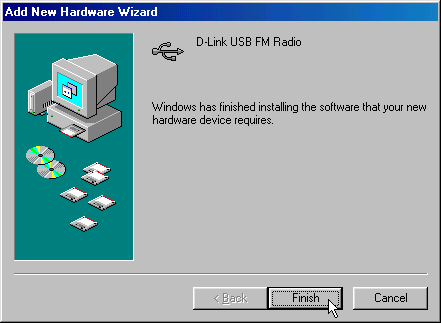
Click on Finish to finish installing the DSB-R100.
_______________________________
11. Windows 2000 (Back to
top)
Download the DSB-R100 drivers at: http://www.dlink.com.au/tech/drivers/files/usb/dsbr100.htm
When the DSB-R100 is first plugged into the USB port the New
Hardware Wizard appears.
If the message "An error occurred during the installation of the
device the required selection was not found in the INF" and "Error:
cannot find the FM Radio." It indicates that the driver is you
selected is not correct. Uninstall the DSB-R100 and the software.
Then reboot the computer. Repeat the steps above to reinstall the
DSB-R100.
The Beta or pre-release versions of Windows 2000 doesn’t support
the DSB-R100. As a rule, D-Link cannot provide support for Beta or
pre-release versions of operating systems.
Follow these steps to install the DSBR-100:
Plug the DSB-R100 into a USB port on your computer.
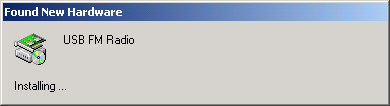
The Found New Hardware window appears.
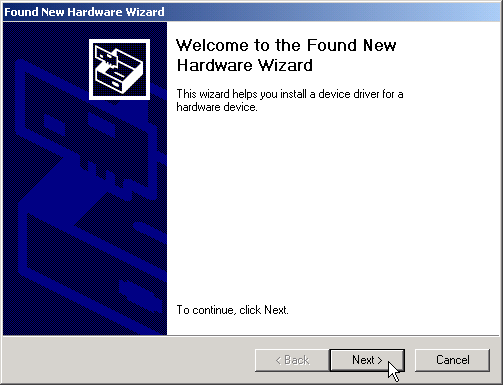
Click on Next.
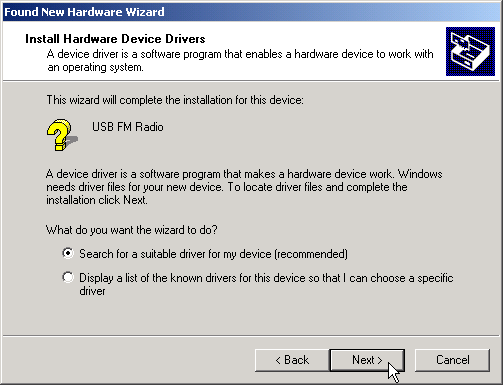
Select "Search for a suitable driver for my device
(recommended)".
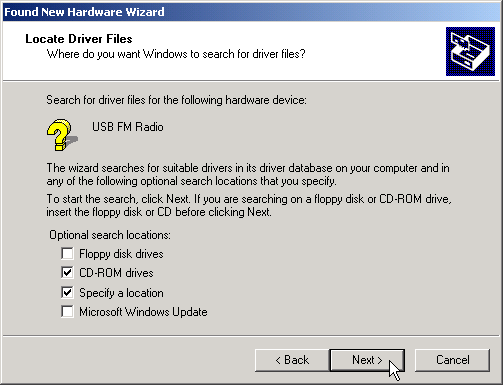
Choose the location of the driver and click Next to continue.
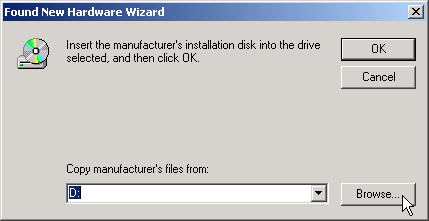
Click on Browse.
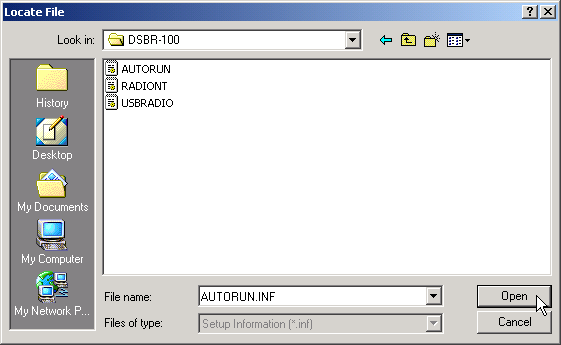
Navigate to the location of the DSB-R100 driver files. Choose
AUTORUN.INF and click Open.
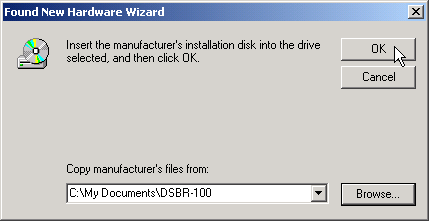
Browse to the location of the file and click OK.
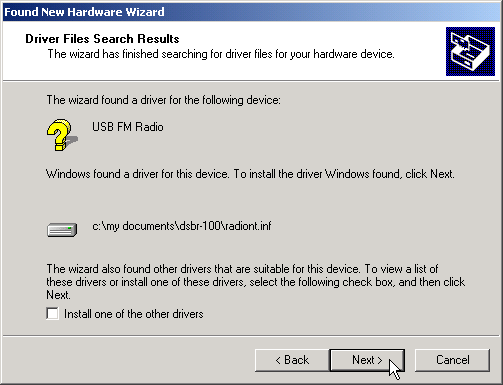
Click on Next to continue.
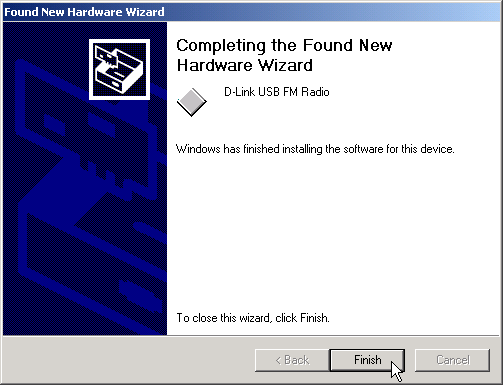
Click on Finish to complete the installation.
_______________________________
Previous
Page | 


